
Plan, film and edit videos that look professional, using the phone in your pocket.
Video is the format people watch most, and the phone in your pocket can already shoot it well. What is usually missing is technique: steady framing, clean sound and a story that holds attention.
This workshop is mostly practice. Participants film, review and re-shoot, then edit on the phone and show their work to the group.
- You create video for social media, training or internal communications
- Your clips look shaky, dark or hard to hear
- You want to produce video regularly without a production budget
- Plan a video with a clear hook, message and ending
- Film steady, well-lit shots with clean audio
- Use simple camera moves and angles with purpose
- Edit on your phone, adding captions, music and titles
- Build a repeatable routine for regular video
What we cover
| 45 min | What makes a video watchable |
|---|---|
| 45 min | Planning and storyboarding |
| 75 min | Filming: light, sound, framing and movement |
| 90 min | Editing on your phone |
| 45 min | Showcase, feedback and next steps |
Outline shown for the one-day format. The two-day format adds more hands-on practice.
Upcoming public runs:
Mastering Mobile Videography: Shoot Better Videos, Tell Better Stories
If you're enquiring for 5 pax and above, we're able to offer you a private run. Ask us about it.
Bring a charged smartphone with free storage. A small tripod and clip-on microphone are useful, and we can advise on low-cost options. Every participant finishes with at least one edited video.

Charmaine Lee
ACTA-certified trainer and curriculum designer with 13 years in digital marketing and more than 4,000 training hours. Associate Adult Educator (IAL). Has developed more than 25 curricula, and serves as CTE/TVET Curriculum Designer and Master Trainer on a World Bank-funded education initiative in the Federated States of Micronesia.
LinkedInBring this course to your team
- Formats1 day · 2 days
- DeliveryOn-site
- Group size10–20 people
- LevelBring your own smartphone
Fees are quoted per group, based on format and size.
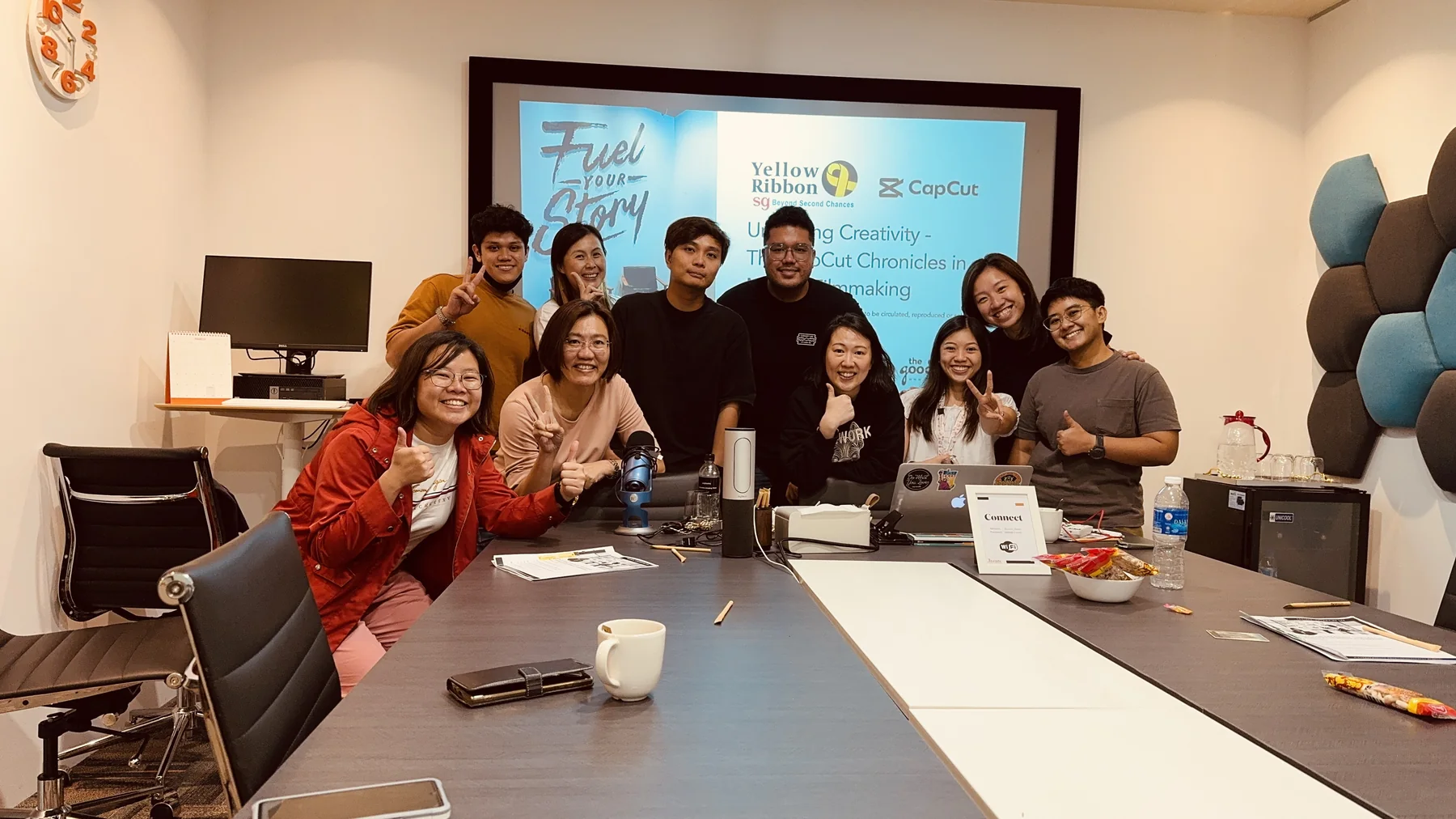
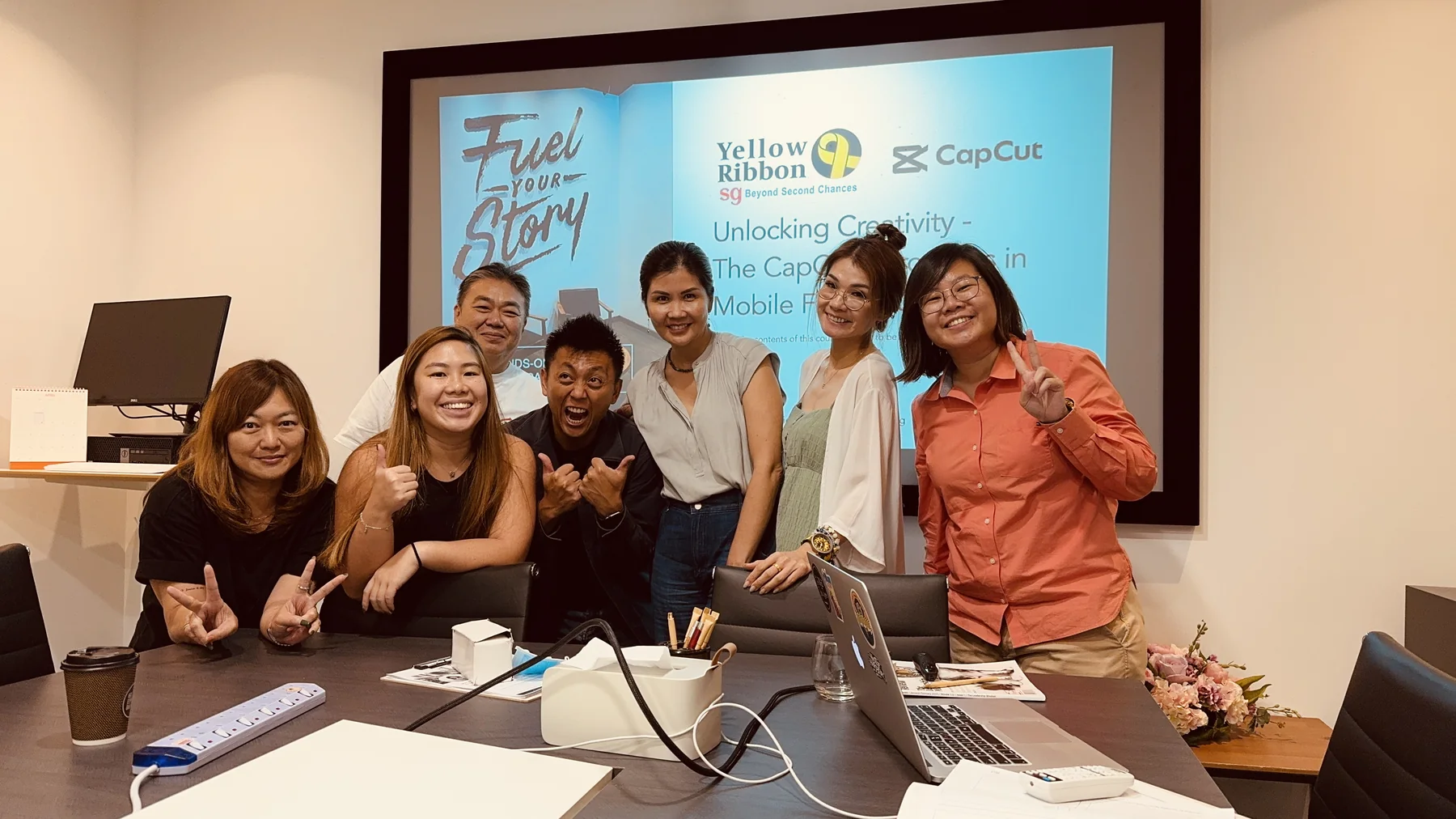
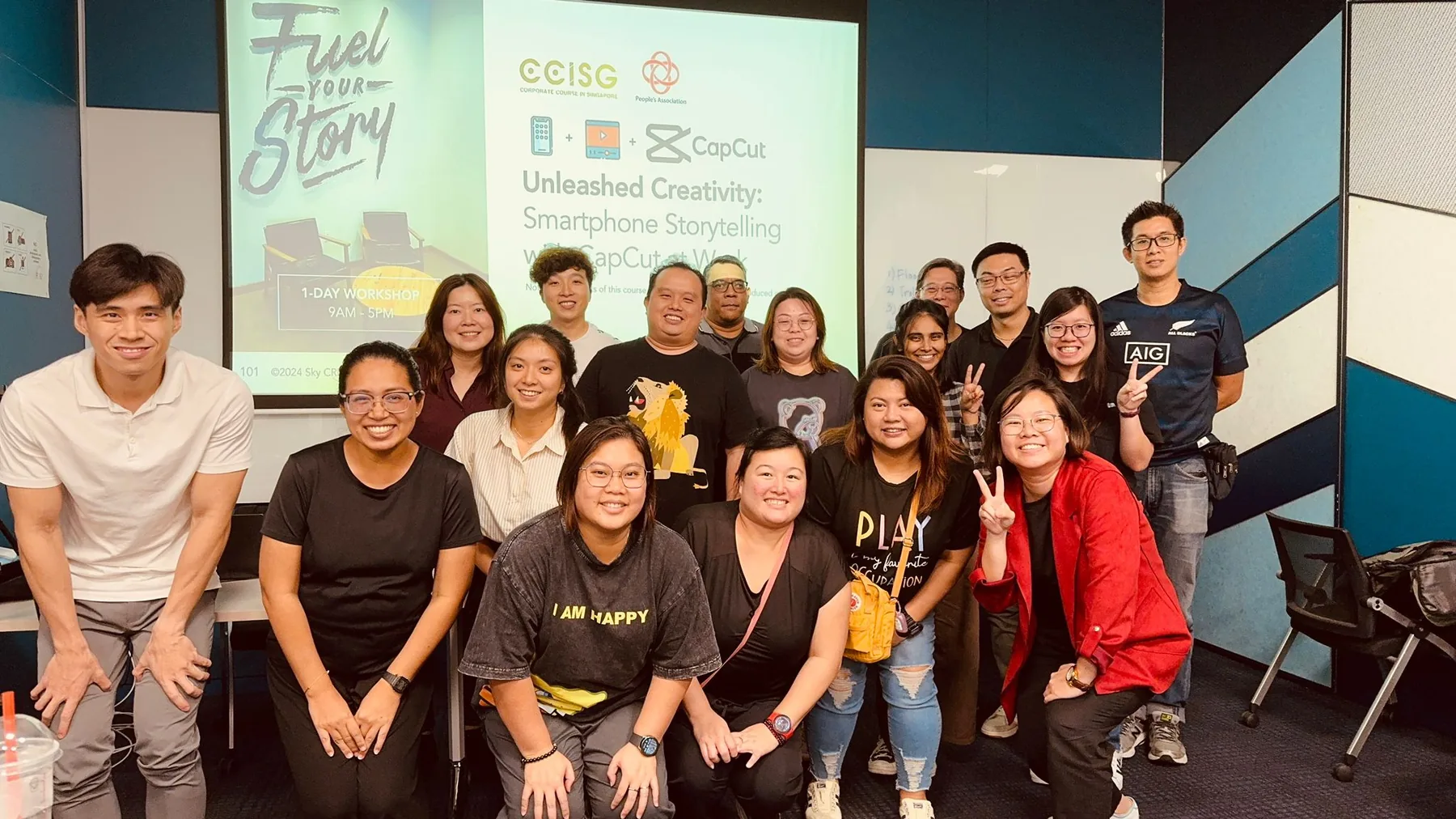
Inside a workshop
A short look at how our sessions run: less lecture, more making.
Canva at Work: Design Professional Presentations with Storytelling
Build presentations in Canva that look professional and carry a clear story, from template to final deck.
- Set up a reusable Canva template for your organisation
- Structure a presentation around one clear message
- Design slides that are readable from the back of the room
- Use Canva's AI tools to speed up drafting and resizing
Business Presentation with Storytelling and Infographics
Turn complex business information into clear, engaging presentations using storytelling, structure and simple infographics.
- Find the key message inside a complex topic
- Learn and apply three storytelling frameworks to your business presentation content
- Turn information into infographics
- Deliver your presentation with confidence with two delivery techniques
Register for a course
Register for yourself or on behalf of your colleagues. Complete the form below and we’ll get back to you within 2–5 working days with the next steps.
For urgent enquiries, WhatsApp or call us at +65 9296 3877.
Creative and digital skills education for workplaces, schools, TVET systems and communities.
Our Programmes
Our Services
Impact