
Take product, event and team photos that look professional, with the phone you already have.
Good photos don’t need an expensive camera. They need good light, simple composition and a few editing habits.
This workshop is mostly practice. Participants shoot, review and improve throughout the session, and see the difference in their own photos by the end.
- You take photos for your organisation’s social media, website or newsletter
- Your event photos come out dark, blurry or crowded
- You want better product or food photos without hiring a photographer
- Use natural and indoor light to improve every photo
- Apply simple composition rules for products, people and events
- Take steady, sharp photos and short clips
- Edit photos quickly on your phone for a consistent look
What we cover
| 30 min | How your phone camera actually works |
|---|---|
| 45 min | Light: finding it and shaping it |
| 45 min | Composition for products, people and spaces |
| 45 min | Photo challenge around the venue |
| 45 min | Editing on your phone, before and after review |
Outline shown for the one-day format.
Upcoming public runs:
Mastering Mobile Photography: From Basics to Pro-level Techniques
If you're enquiring for 5 pax and above, we're able to offer you a private run. Ask us about it.
Bring a charged smartphone with at least 2GB of free space. The photo challenge works best in a venue with some natural light.

Charmaine Lee
ACTA-certified trainer and curriculum designer with 13 years in digital marketing and more than 4,000 training hours. Associate Adult Educator (IAL). Has developed more than 25 curricula, and serves as CTE/TVET Curriculum Designer and Master Trainer on a World Bank-funded education initiative in the Federated States of Micronesia.
LinkedInBring this course to your team
- Formats1 day
- DeliveryOn-site
- Group size10–20 people
- LevelBring your own smartphone
Fees are quoted per group, based on format and size.
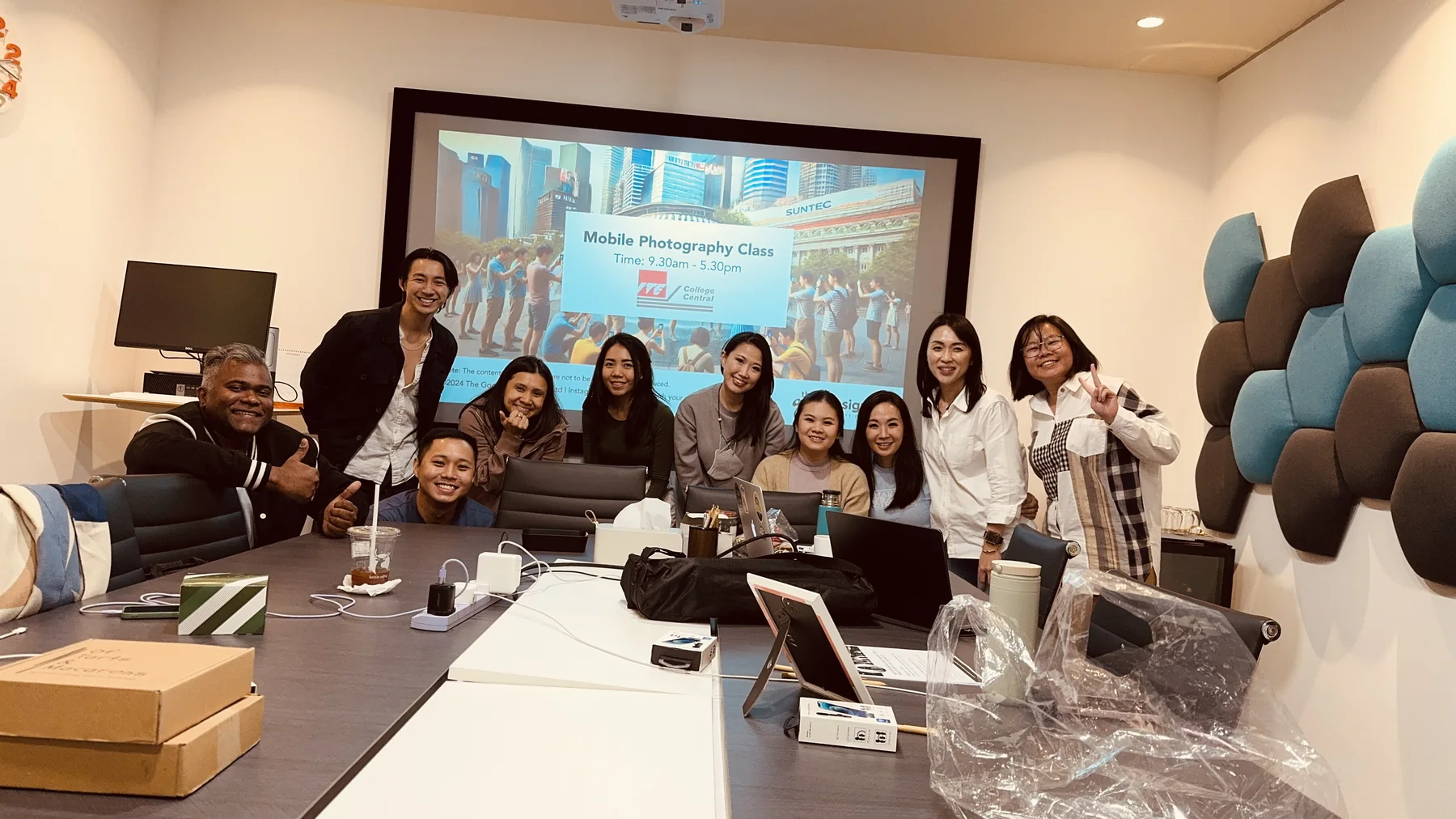
Inside a workshop
A short look at how our sessions run: less lecture, more making.
Canva at Work: Design Professional Presentations with Storytelling
Build presentations in Canva that look professional and carry a clear story, from template to final deck.
- Set up a reusable Canva template for your organisation
- Structure a presentation around one clear message
- Design slides that are readable from the back of the room
- Use Canva's AI tools to speed up drafting and resizing
Business Presentation with Storytelling and Infographics
Turn complex business information into clear, engaging presentations using storytelling, structure and simple infographics.
- Find the key message inside a complex topic
- Learn and apply three storytelling frameworks to your business presentation content
- Turn information into infographics
- Deliver your presentation with confidence with two delivery techniques
Register for a course
Register for yourself or on behalf of your colleagues. Complete the form below and we’ll get back to you within 2–5 working days with the next steps.
For urgent enquiries, WhatsApp or call us at +65 9296 3877.
Creative and digital skills education for workplaces, schools, TVET systems and communities.
Our Programmes
Our Services
Impact