
Turn data, processes and long copy into graphics people stop for.
Infographics work hard in a feed and in an inbox: they explain something quickly, and they get shared and forwarded.
Participants learn the patterns behind good infographics, then build a set for their own social posts and email campaigns.
- You write posts or newsletters that are heavy with text or numbers
- Your audience skims and misses the point
- You want reusable templates rather than one-off graphics
- Choose the right infographic pattern for your content
- Turn a process, a list or a data set into a clear graphic
- Design for feed sizes and for email, including mobile
- Build reusable templates in Canva or PowerPoint
What we cover
| 45 min | What makes an infographic work |
|---|---|
| 60 min | Four patterns: process, comparison, data, list |
| 60 min | Designing for the feed and for the inbox |
| 120 min | Hands-on: build your own set |
| 45 min | Review and template handover |
Outline shown for the one-day format.
Upcoming public runs:
Infographics Design for Social Media and Email Marketing
If you're enquiring for 5 pax and above, we're able to offer you a private run. Ask us about it.
Participants work on their own campaigns, so the templates they leave with are ready to use.

Charmaine Lee
ACTA-certified trainer and curriculum designer with 13 years in digital marketing and more than 4,000 training hours. Associate Adult Educator (IAL). Has developed more than 25 curricula, and serves as CTE/TVET Curriculum Designer and Master Trainer on a World Bank-funded education initiative in the Federated States of Micronesia.
LinkedInBring this course to your team
- Formats1 day
- DeliveryOn-site or online
- Group size12–20 people
- LevelNo design experience needed
Fees are quoted per group, based on format and size.
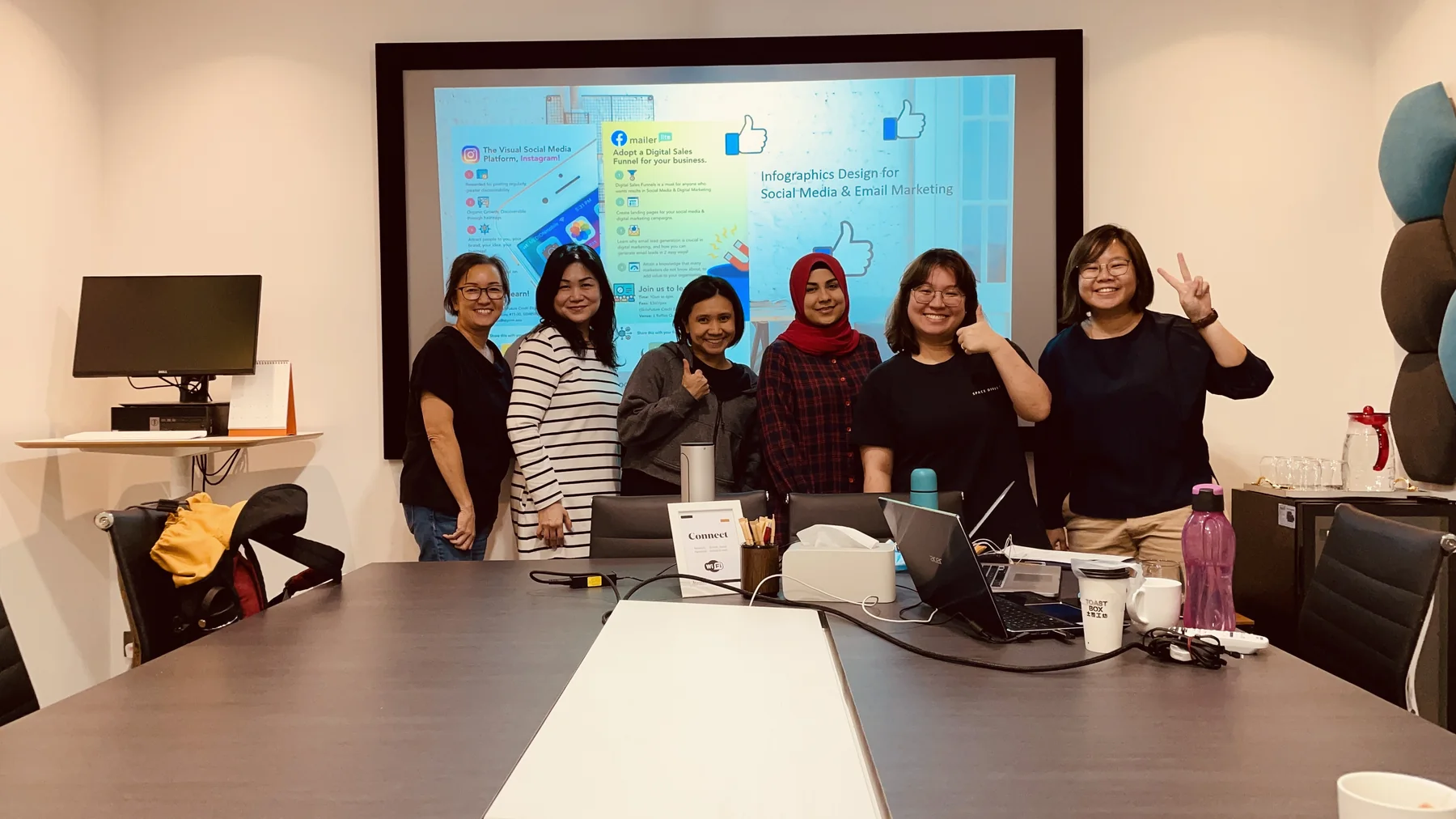
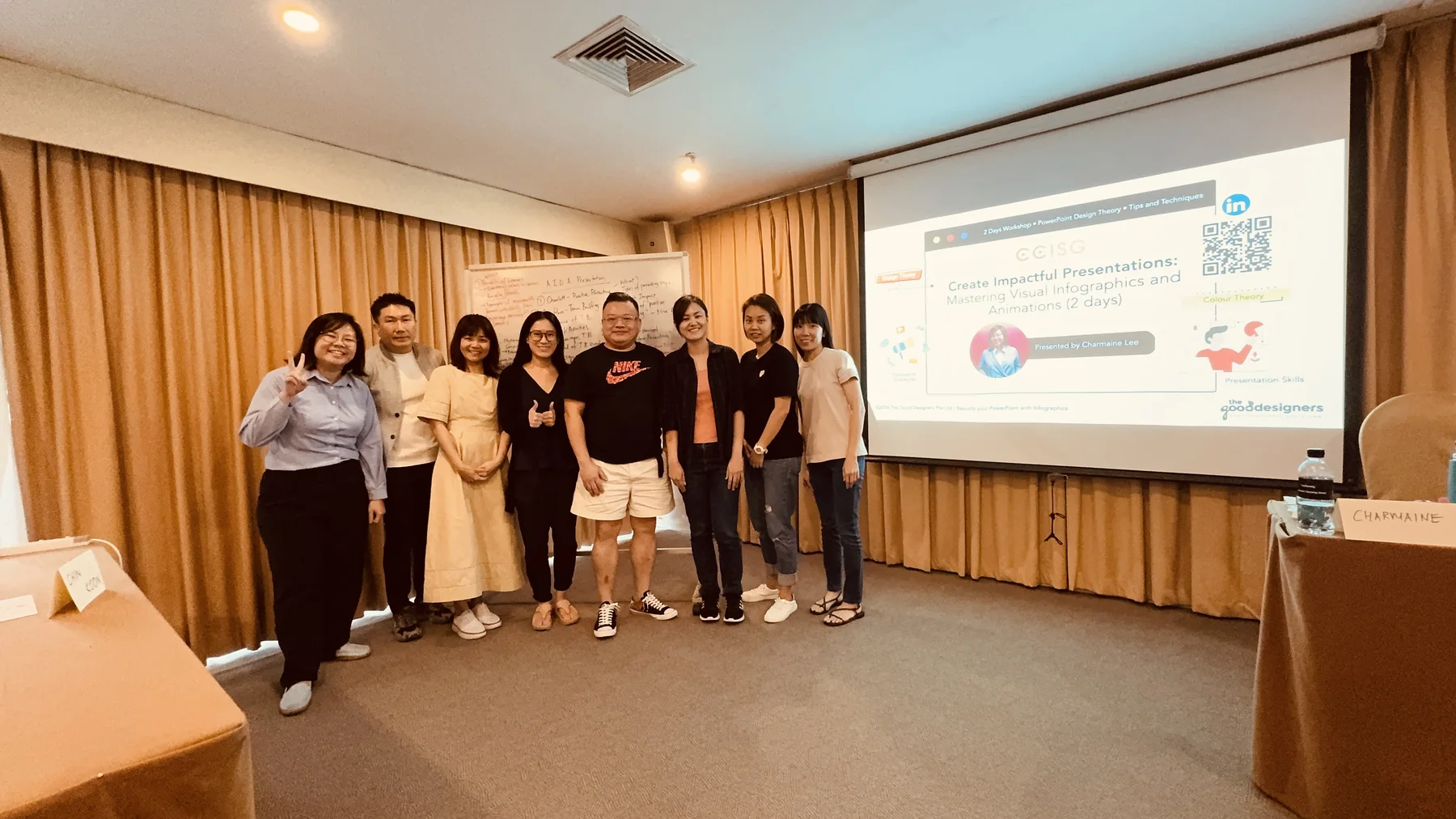
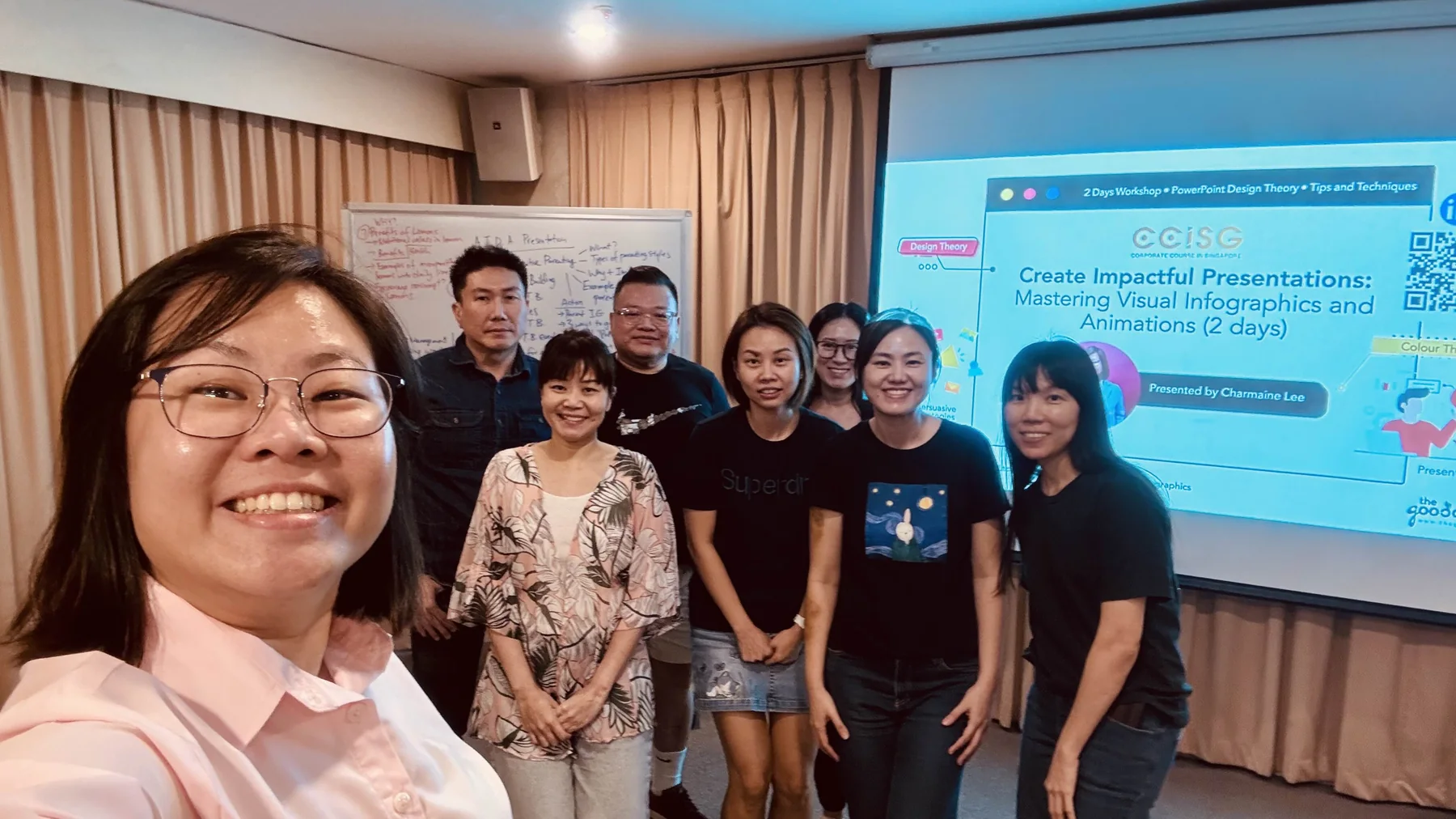
Inside a workshop
A short look at how our sessions run: less lecture, more making.



Canva at Work: Design Professional Presentations with Storytelling
Build presentations in Canva that look professional and carry a clear story, from template to final deck.
- Set up a reusable Canva template for your organisation
- Structure a presentation around one clear message
- Design slides that are readable from the back of the room
- Use Canva's AI tools to speed up drafting and resizing
Business Presentation with Storytelling and Infographics
Turn complex business information into clear, engaging presentations using storytelling, structure and simple infographics.
- Find the key message inside a complex topic
- Learn and apply three storytelling frameworks to your business presentation content
- Turn information into infographics
- Deliver your presentation with confidence with two delivery techniques
Register for a course
Register for yourself or on behalf of your colleagues. Complete the form below and we’ll get back to you within 2–5 working days with the next steps.
For urgent enquiries, WhatsApp or call us at +65 9296 3877.
Creative and digital skills education for workplaces, schools, TVET systems and communities.
Our Programmes
Our Services
Impact